
Image → Video
AI image to video: animate any photo
Upload a photo and bring it to life: camera moves, natural motion, effects and sound. Perfect for product ads, portraits, old photos and social media clips.
- Animate portraits, products, landscapes and old photos
- Set the first and last frame on supported models
- Ready-made video effects: one photo, one tap
- AI models
- 27
- Templates
- 63
- Credits to start
- 30
- Typical time
- ~100s
Three steps
How it works
Pick a model
Every model has its strengths: compare quality, duration and price.
Add a prompt and files
Write a prompt and upload a photo, video or audio — whatever the mode needs.
Generate and download
Your result is ready in seconds to minutes. Download it in full quality.
Models for Image to video27
27 models support this mode
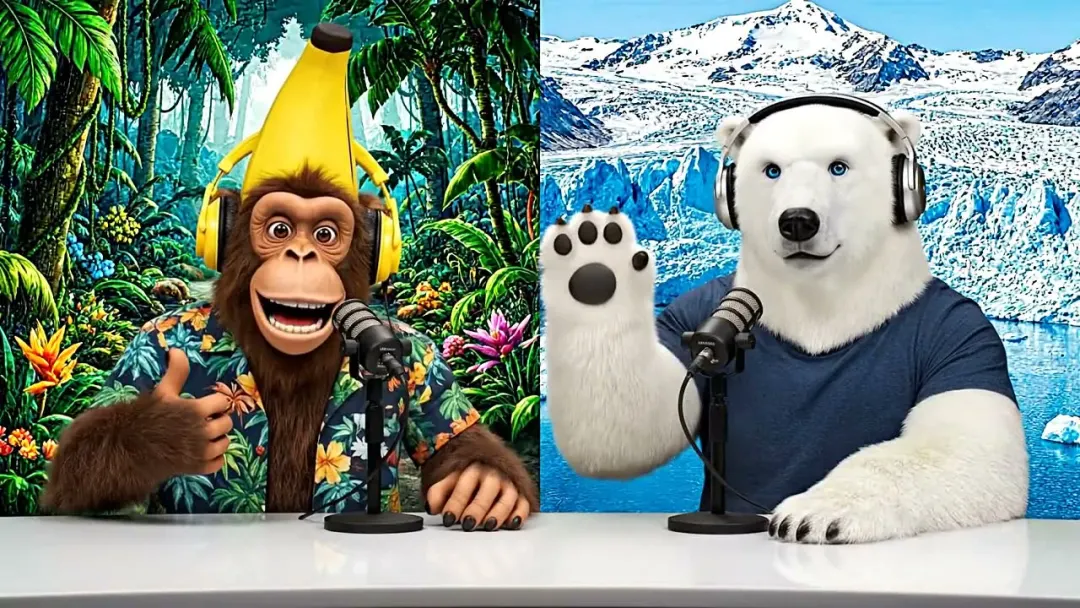 PopularVideoNative audio
Google
Veo 3.1
Google's flagship: cinematic video with synced sound
Text → VideoImage → VideoReferences → Videofrom 160 credits~100s PopularVideoNative audio
Kuaishou
Kling 3.0
Cinematic 5–15 s video with optional native audio
Text → VideoImage → Videofrom 170 credits~300s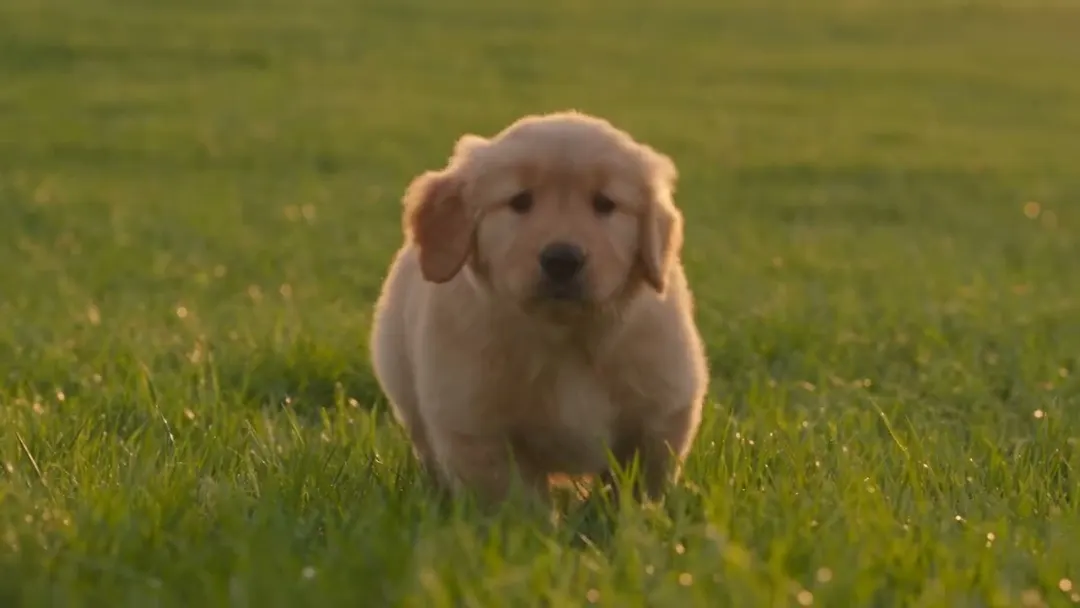 NewVideoNative audio
ByteDance
Seedance 2.5
ByteDance's newest: up to 30 s in one take, with audio
Text → VideoImage → VideoReferences → Video+2from 110 credits~220s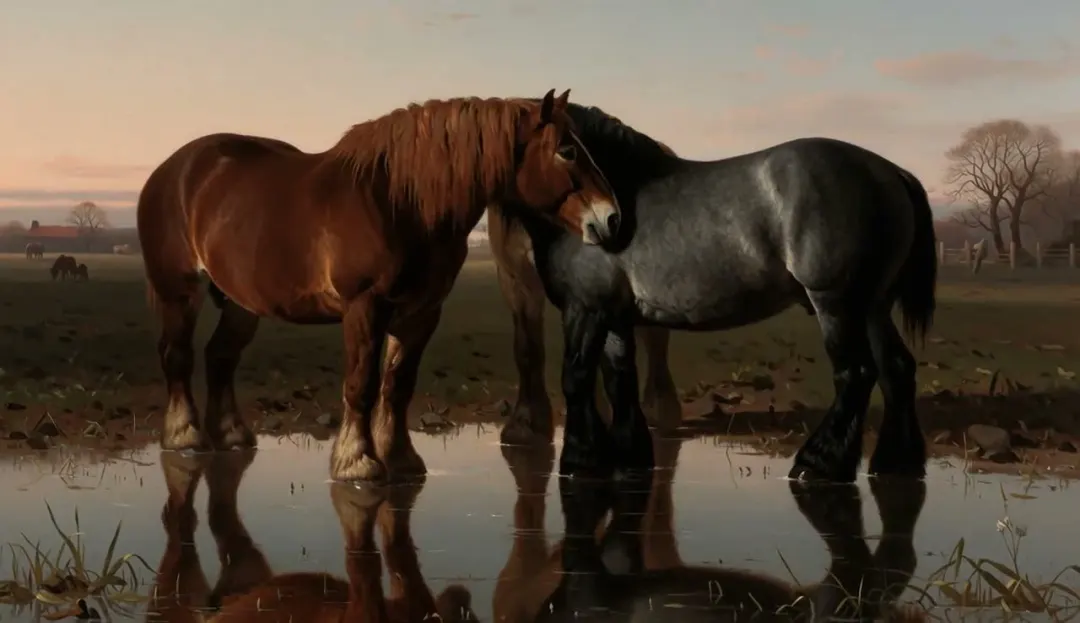 NewVideoNative audio
MiniMax
MiniMax H3
Omni-modal 2K video with native stereo sound
Text → VideoImage → VideoReferences → Video+2from 80 credits~190s NewVideoNative audio
Alibaba
Wan 3.0
Up to 30 s single-shot video with sound
Text → VideoImage → Videofrom 50 credits~300s FastVideoNative audio
Google
Veo 3.1 Fast
Veo 3.1 quality, about twice as fast
Text → VideoImage → Videofrom 80 credits~55s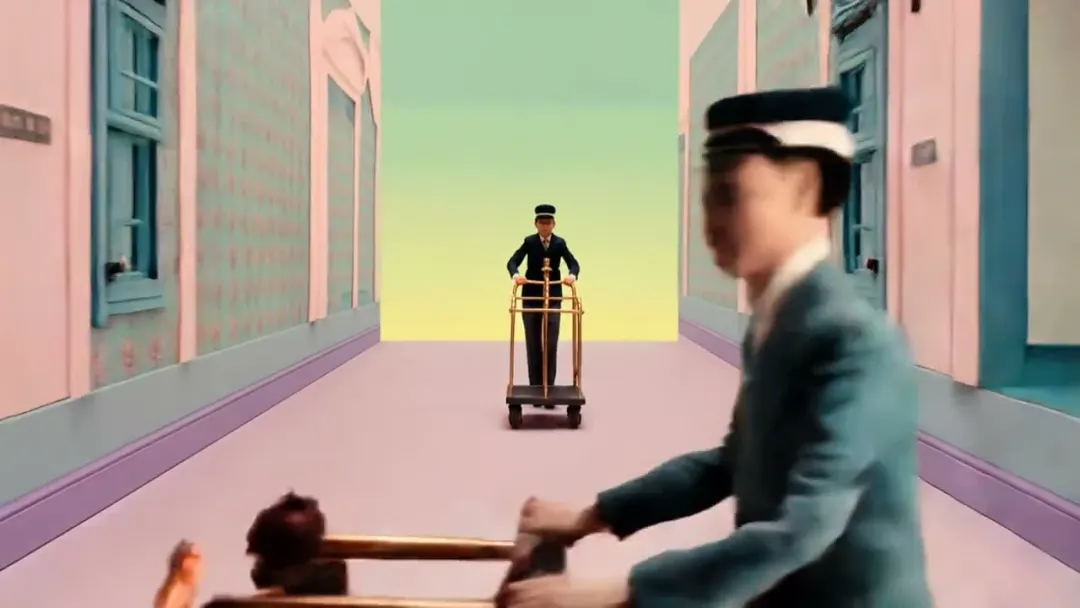 ProVideoNative audio
Kuaishou
Kling 3.0 Omni
Kling's all-in-one: references, video editing, audio
Text → VideoImage → VideoReferences → Video+1from 170 credits~300s VideoNative audio
ByteDance
Seedance 2.0
Multimodal references with native audio, up to 1080p
Text → VideoImage → VideoReferences → Video+2from 80 credits~120s FastVideoNative audio
xAI
Grok Imagine Video
Fast, affordable video with native audio
Text → VideoImage → VideoReferences → Video+1from 50 credits~45s VideoNative audio
PixVerse
PixVerse V6
Social-ready clips with multi-shot and audio
Text → VideoImage → Videofrom 70 credits~70s Video
VideoRunway
Runway Gen-4.5
Runway's flagship for motion quality
Text → VideoImage → Videofrom 120 credits~180s Video
VideoLuma AI
Luma Ray 3.2
Cinematic shots, start/end frames and seamless loops
Text → VideoImage → Videofrom 30 credits~100s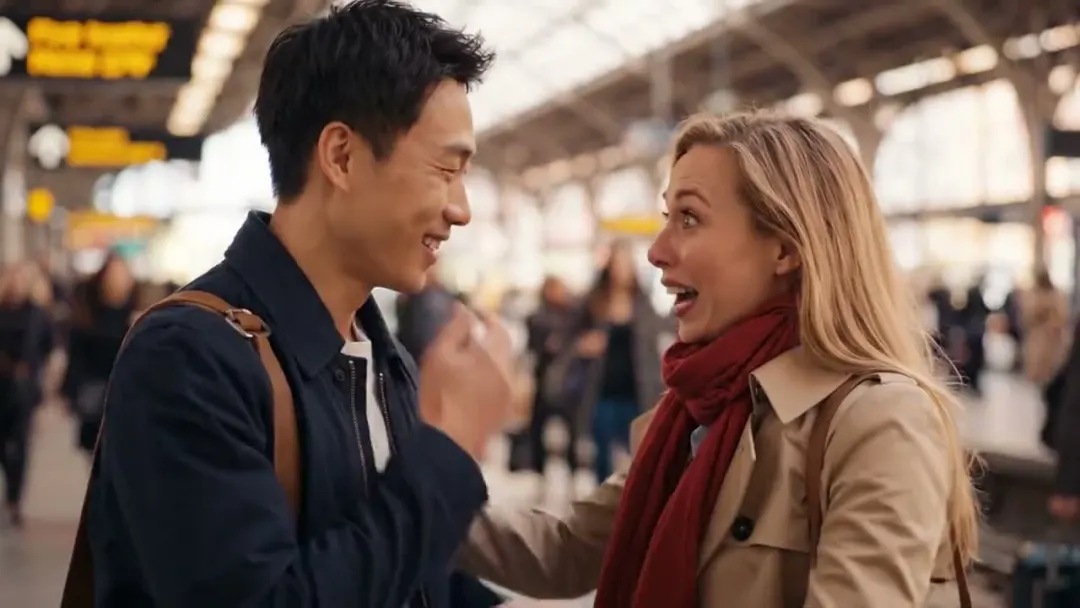 BudgetVideoNative audio
Google
Veo 3.1 Lite
The most affordable Veo, with native audio
Text → VideoImage → Videofrom 40 credits~40s BudgetVideoNative audio
ByteDance
Seedance 2.0 Fast
Faster, cheaper Seedance 2.0 with audio
Text → VideoImage → VideoReferences → Video+2from 70 credits~90s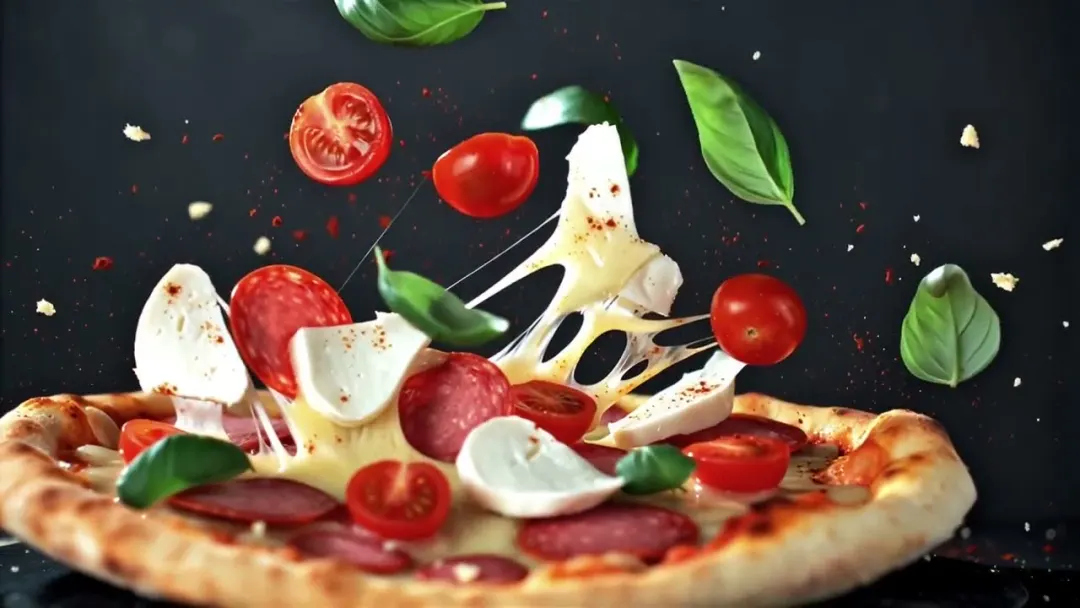 VideoNative audio
Alibaba
Wan 2.5
Affordable video with sound and voice sync
Text → VideoImage → VideoAudio → Videofrom 50 credits~240s BudgetVideo
MiniMax
Hailuo 2.3
Affordable 768p clips with lively, physical motion
Text → VideoImage → Videofrom 55 credits~150s BudgetVideo
Kuaishou
Kling 2.5 Turbo
Fast, affordable Kling clips in 720p or 1080p
Text → VideoImage → Videofrom 45 credits~120s NewVideoNative audio
Kuaishou
Kling 2.6
Kling 2.6 Pro: 1080p clips with native sound
Text → VideoImage → Videofrom 70 credits~180s NewVideo
Kuaishou
Kling 3.0 Turbo
Kling 3.0 quality, faster: 720p or 1080p up to 15 s
Text → VideoImage → Videofrom 110 credits~150s NewVideo
Kuaishou
Kling Omni
Kling's all-in-one model: frames, references and a video guide
Text → VideoImage → VideoReferences → Video+1from 85 credits~240s NewVideo
Alibaba
HappyHorse 1.1
Alibaba's HappyHorse 1.1: lively 720p and 1080p clips up to 15 s
Text → VideoImage → VideoReferences → Videofrom 140 credits~180s- NewVideo
Alibaba
Happy Horse 1.0
The original HappyHorse: 720p and 1080p clips up to 15 s
Text → VideoImage → VideoReferences → Videofrom 140 credits~180s - NewVideoNative audio
Alibaba
Wan 3.0 Prime
Wan 3.0's top tier: single takes up to 30 s with sound
Text → VideoImage → VideoReferences → Videofrom 70 credits~300s - NewVideo
Alibaba
Wan 2.7
Wan 2.7: clips up to 15 s from text, frames or references
Text → VideoImage → VideoReferences → Videofrom 100 credits~240s - NewVideo
Alibaba
Wan 2.6
Wan 2.6: text, image or reference-video clips up to 15 s
Text → VideoImage → VideoReferences → Videofrom 100 credits~240s - NewVideoNative audio
Lightricks
LTX-2.5 Fast
Lightricks LTX-2.5 Fast: up to 4K with sound, quickly
Text → VideoImage → Videofrom 110 credits~120s - NewVideoNative audio
Lightricks
LTX-2.5 Pro
Lightricks LTX-2.5 Pro: higher fidelity in 720p and 1080p
Text → VideoImage → Videofrom 150 credits~120s
Ready-made templates
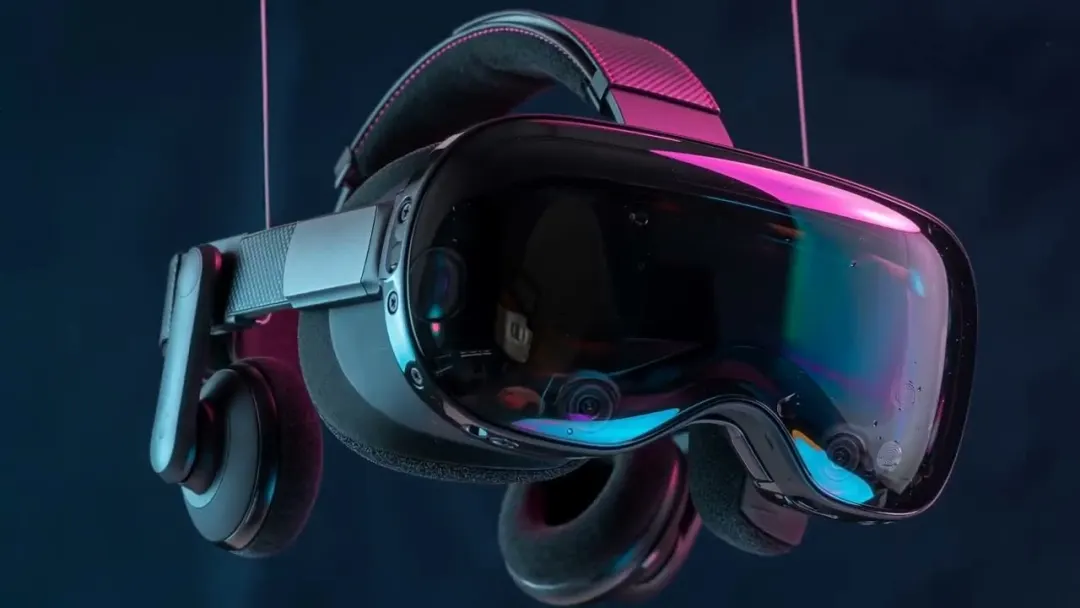
Cinematic Product Reveal
Image → Video1 photo
Veo 3.1 Lite40 credits
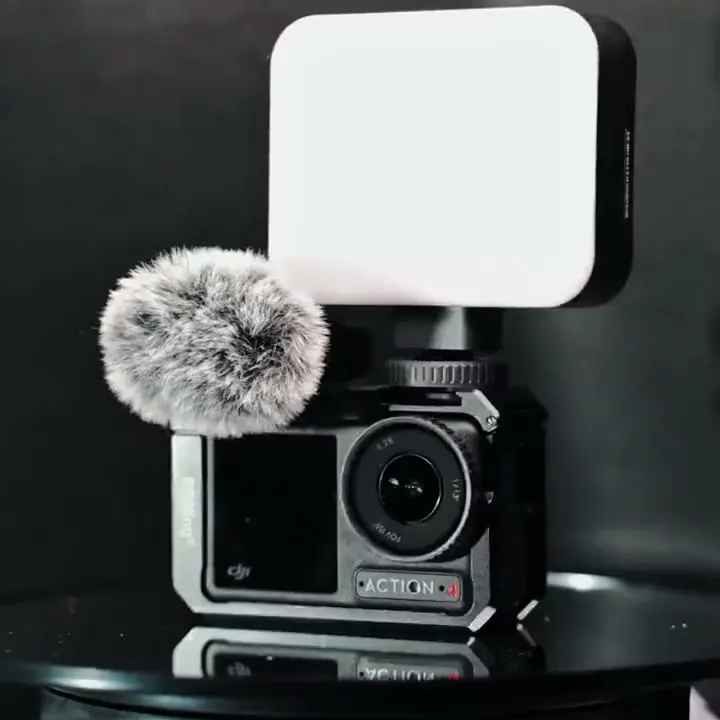
360° Product Rotation
Image → Video1 photo
Seedance 2.0 Fast70 credits
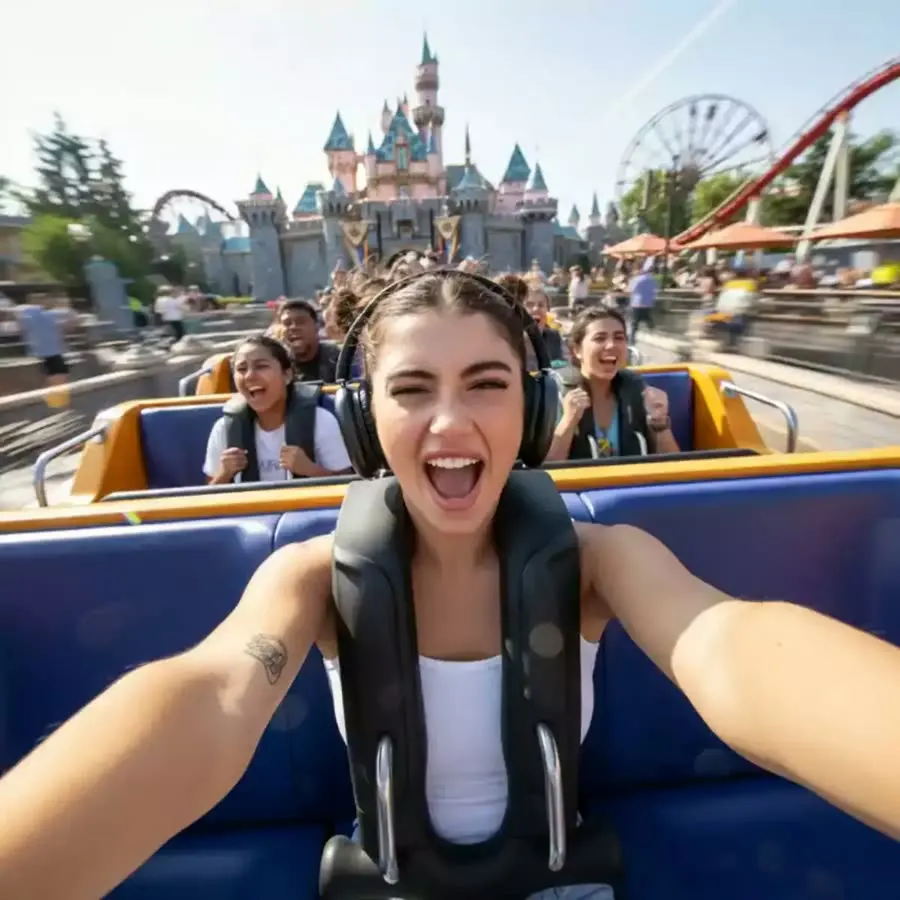
Roller Coaster
Image → Video1 photo
Kling 2.5 Turbo45 credits
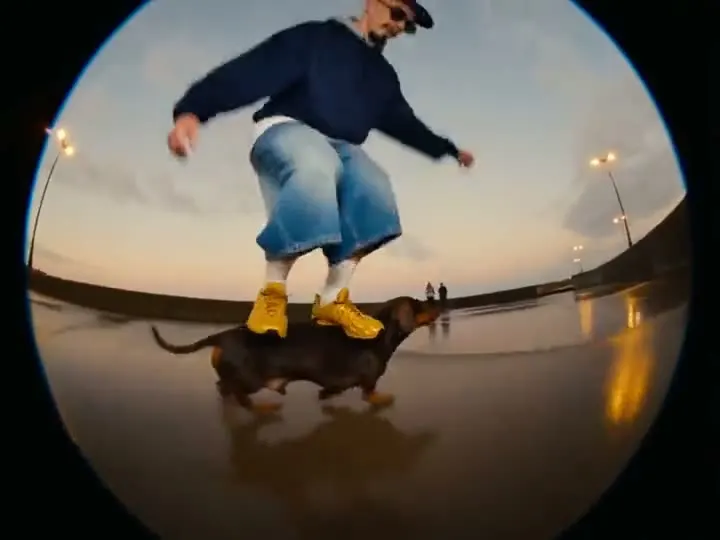
Skatedog
Image → Video1 photo
Wan 3.050 credits
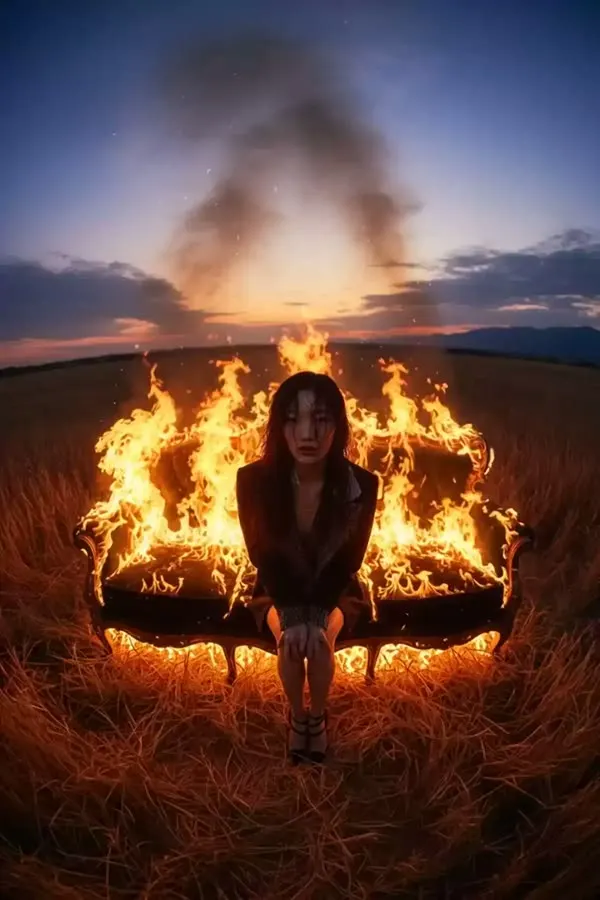
Burning Sunset
Image → Video1 photo
Hailuo 2.355 credits
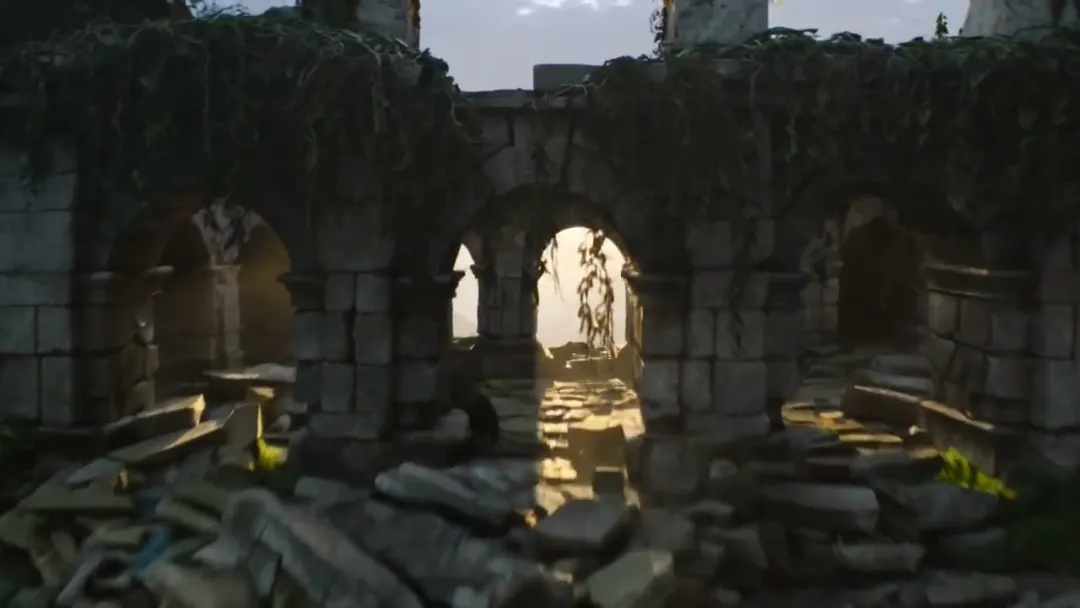
Drone Fly-Over
Image → Video1 photo
Hailuo 2.355 credits
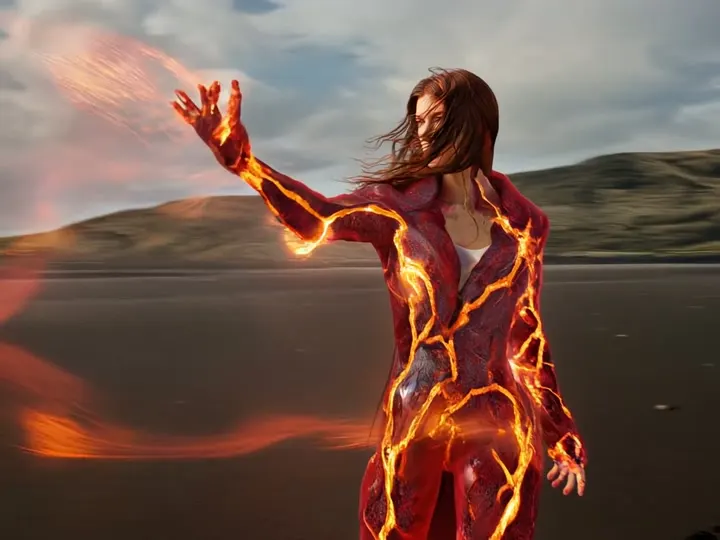
Fire Aura
Image → Video1 photo
Hailuo 2.355 credits
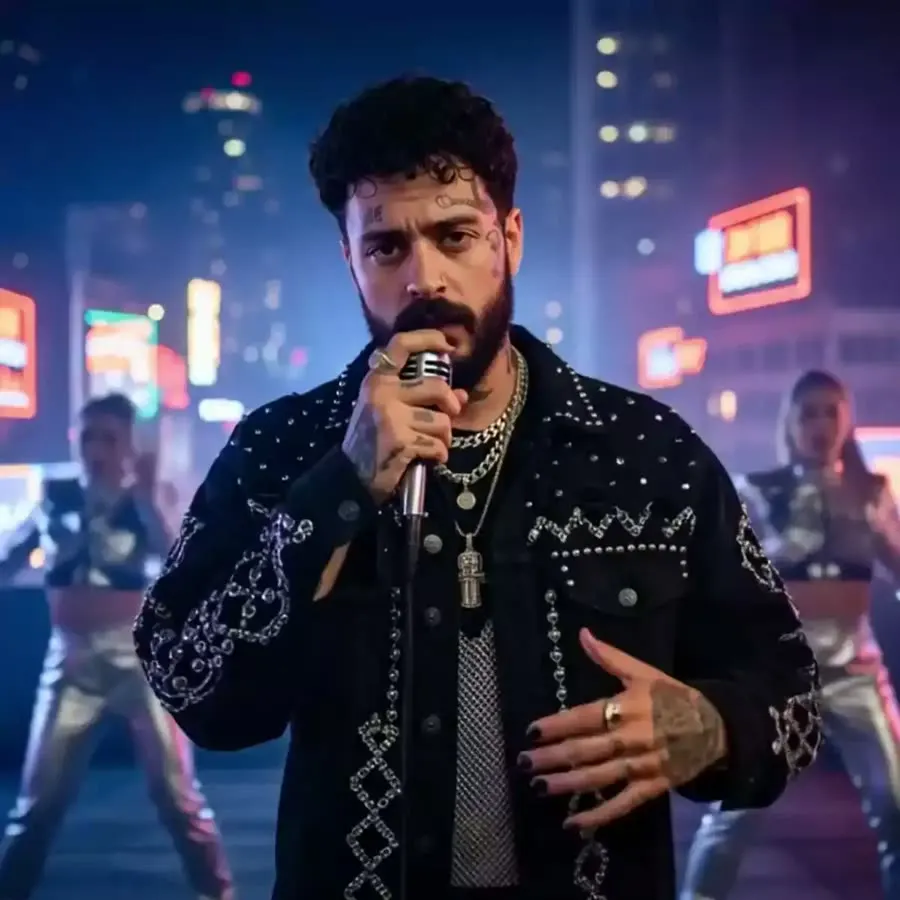
Rap God
Image → Video1 photo
Kling 2.6140 credits
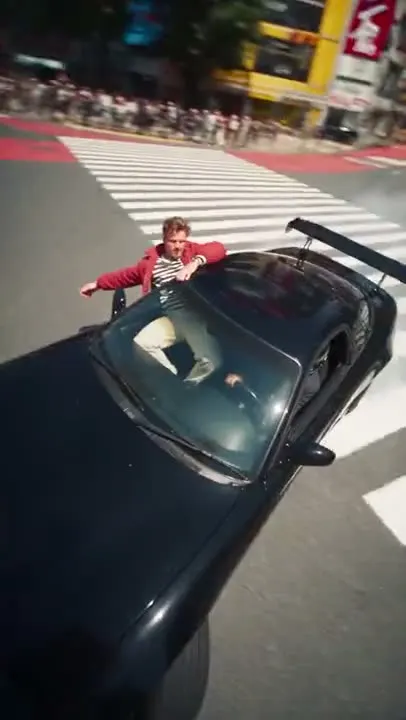
Drift Ride
Image → Video1 photo
PixVerse V670 credits
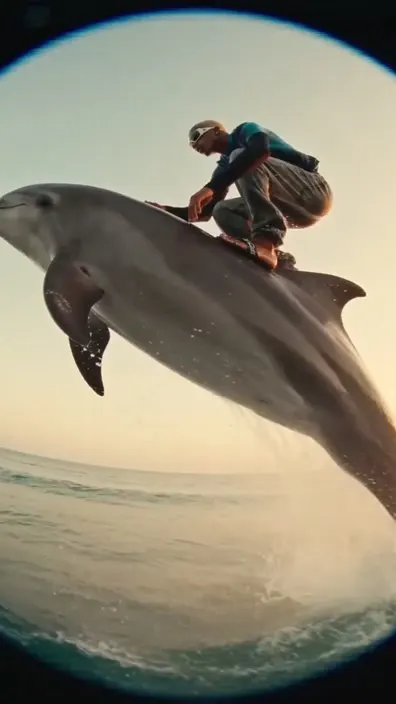
Dolphin Ride
Image → Video1 photo
Seedance 2.0 Fast70 credits

Cinematic Push-In
Image → Video1 photo
Wan 3.0100 credits

Secretly a Cake
Image → Video1 photo
Kling 2.5 Turbo45 credits
Community
Examples



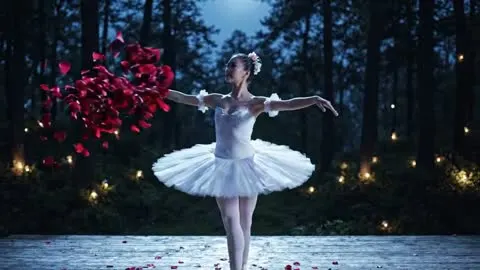




FAQ
Frequently asked questions
Didn't find the answer? Our team replies in Telegram and by email.
Contact supportHow do I turn a photo into a video?
Upload the image, describe the motion — for example “the camera slowly zooms in, hair moves in the wind” — and start the generation. Or pick a ready-made video template and just add your photo.
What photo works best?
A sharp image with good light and a clear subject. The aspect ratio of the photo usually defines the video format, so use a vertical photo for Reels and TikTok.
Can I set the first and last frame?
Yes, several models such as Veo 3.1 and Kling accept a start and an end image, and the video transitions smoothly between them. The studio shows this option when the selected model supports it.
How much does it cost?
The price in credits depends on the model, duration and resolution and is shown before you start. New accounts get free video generations.
Explore