
Video → Video
AI video editor: video to video
Upload a clip and change it with a text instruction: restyle it, replace the background or objects, or continue the motion. The timing of the original is kept.
- Restyle footage as anime, film or 3D
- Replace backgrounds, clothes and objects
- Keep the original motion and timing
- AI models
- 10
- Templates
- 44
- Credits to start
- 14
- Typical time
- ~220s
Three steps
How it works
Pick a model
Every model has its strengths: compare quality, duration and price.
Add a prompt and files
Write a prompt and upload a photo, video or audio — whatever the mode needs.
Generate and download
Your result is ready in seconds to minutes. Download it in full quality.
Models for Video to video10
10 models support this mode
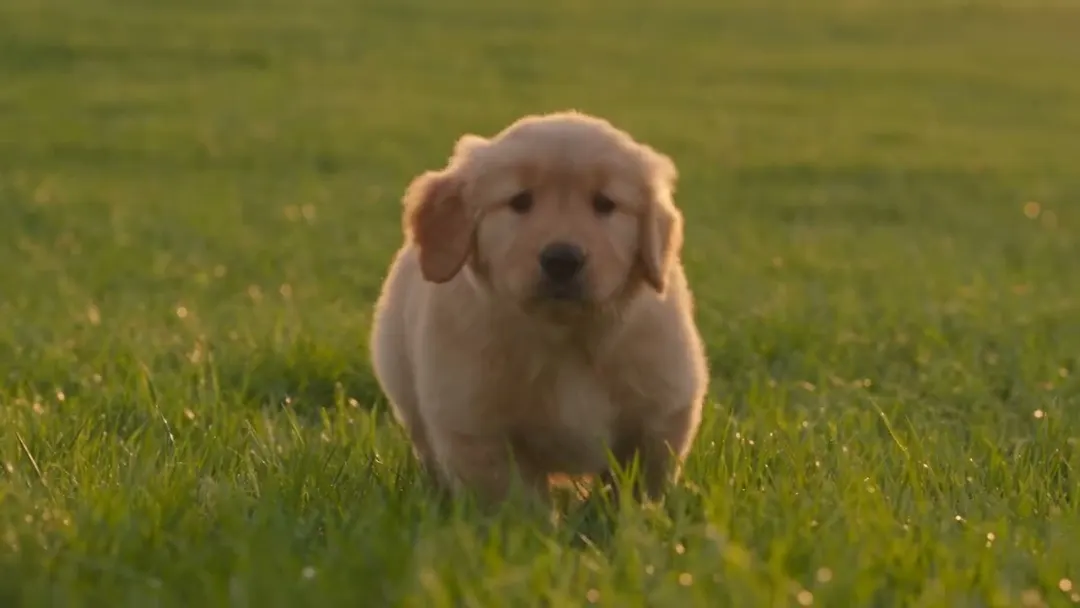 NewVideoNative audio
ByteDance
Seedance 2.5
ByteDance's newest: up to 30 s in one take, with audio
Text → VideoImage → VideoReferences → Video+2from 110 credits~220s NewVideoNative audio
MiniMax
MiniMax H3
Omni-modal 2K video with native stereo sound
Text → VideoImage → VideoReferences → Video+2from 80 credits~190s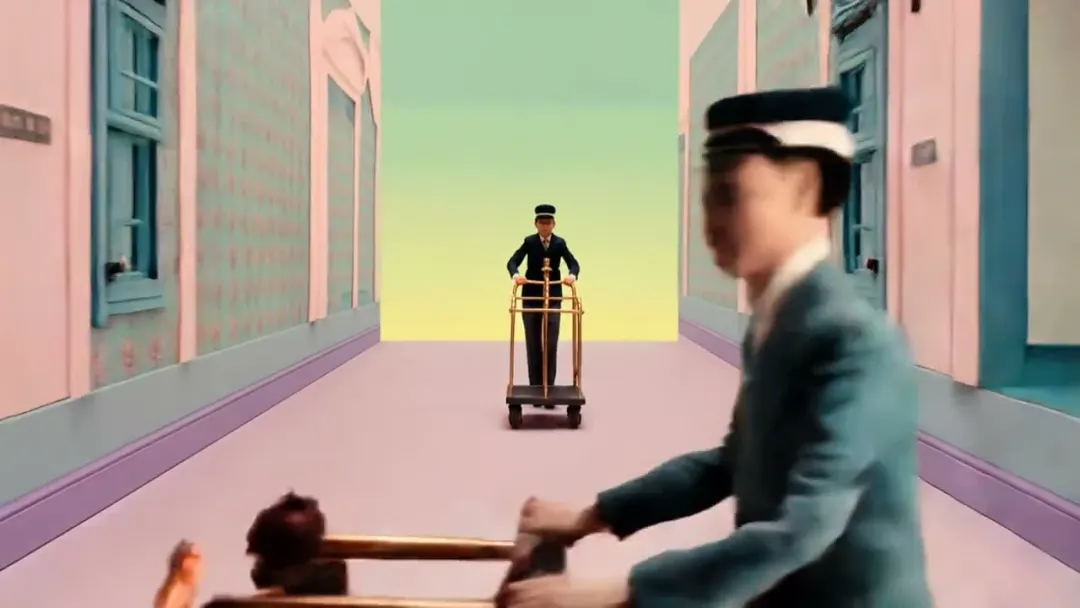 ProVideoNative audio
Kuaishou
Kling 3.0 Omni
Kling's all-in-one: references, video editing, audio
Text → VideoImage → VideoReferences → Video+1from 170 credits~300s VideoNative audio
ByteDance
Seedance 2.0
Multimodal references with native audio, up to 1080p
Text → VideoImage → VideoReferences → Video+2from 80 credits~120s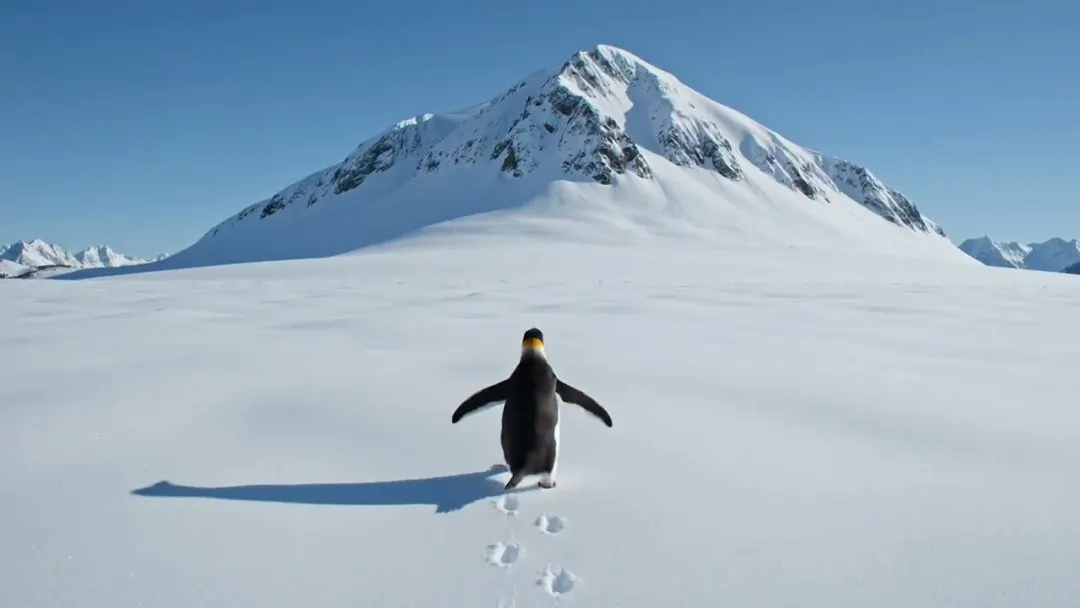 FastVideoNative audio
xAI
Grok Imagine Video
Fast, affordable video with native audio
Text → VideoImage → VideoReferences → Video+1from 50 credits~45s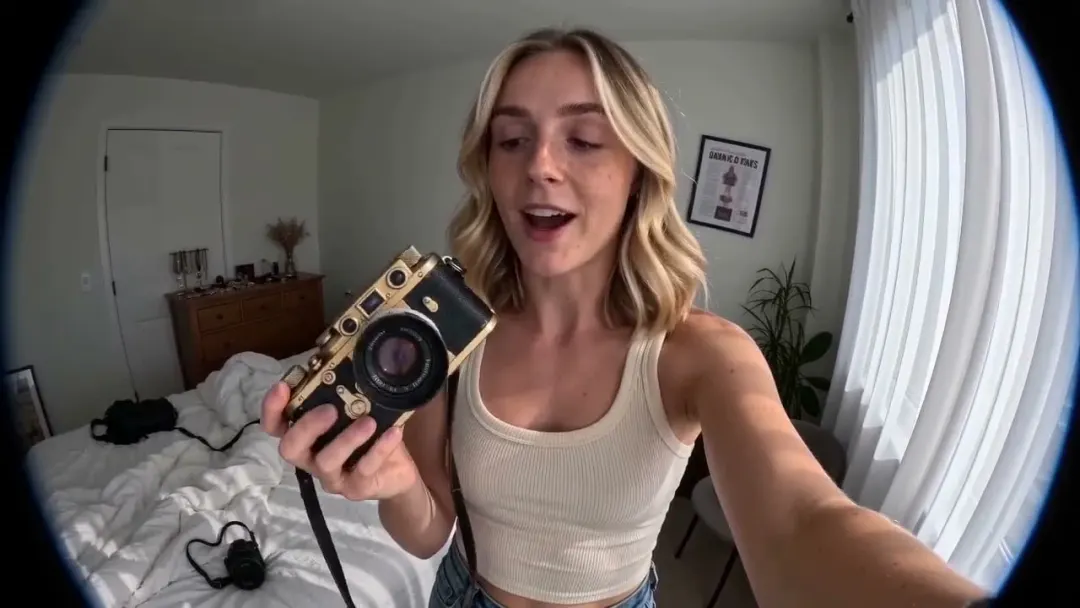 BudgetVideoNative audio
ByteDance
Seedance 2.0 Fast
Faster, cheaper Seedance 2.0 with audio
Text → VideoImage → VideoReferences → Video+2from 70 credits~90s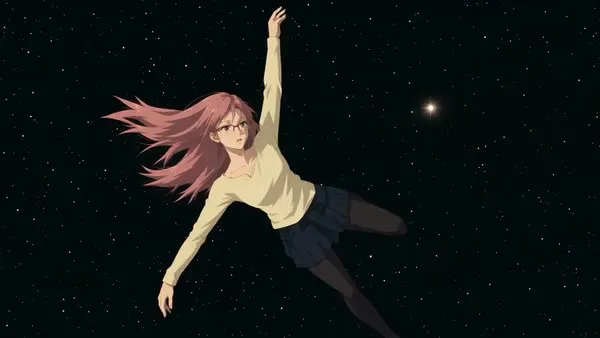 NewVideo
Higgsfield
Higgsfield Genjutsu
Turn one video into many: new characters, products and outfits with the same motion
Video → Videofrom 63 credits per second~15s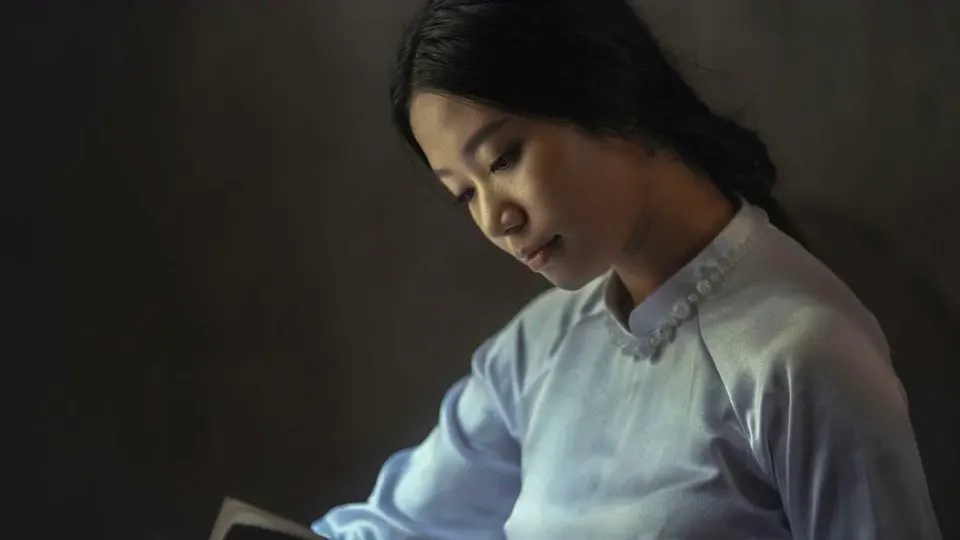 NewVideoNative audio
Kuaishou
Kling 3.0 Motion Control
Your character repeats the moves from any video
Video → Videofrom 25 credits per second~300s BudgetVideoNative audio
Kuaishou
Kling 2.6 Motion Control
Motion control at the lowest price per second
Video → Videofrom 14 credits per second~300s NewVideo
Kuaishou
Kling Omni
Kling's all-in-one model: frames, references and a video guide
Text → VideoImage → VideoReferences → Video+1from 85 credits~240s
Ready-made templates

Neon Graphic 3D
Motion includedText only
Higgsfield Genjutsu378 credits
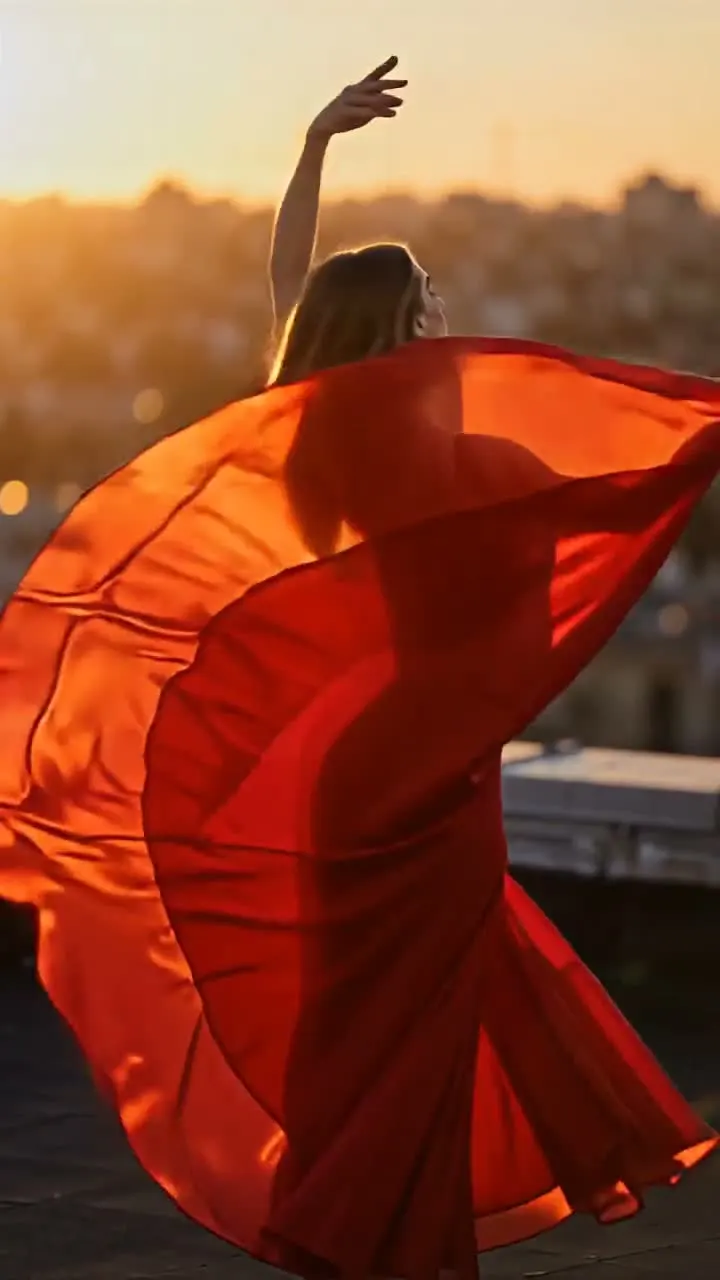
Golden Hour Spin
Motion included1 photo
Kling 3.0 Motion Control150 credits
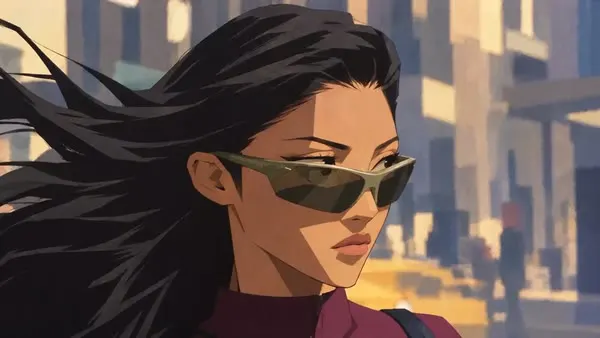
Expressive 2D Cartoon
Motion includedText only
Higgsfield Genjutsu504 credits
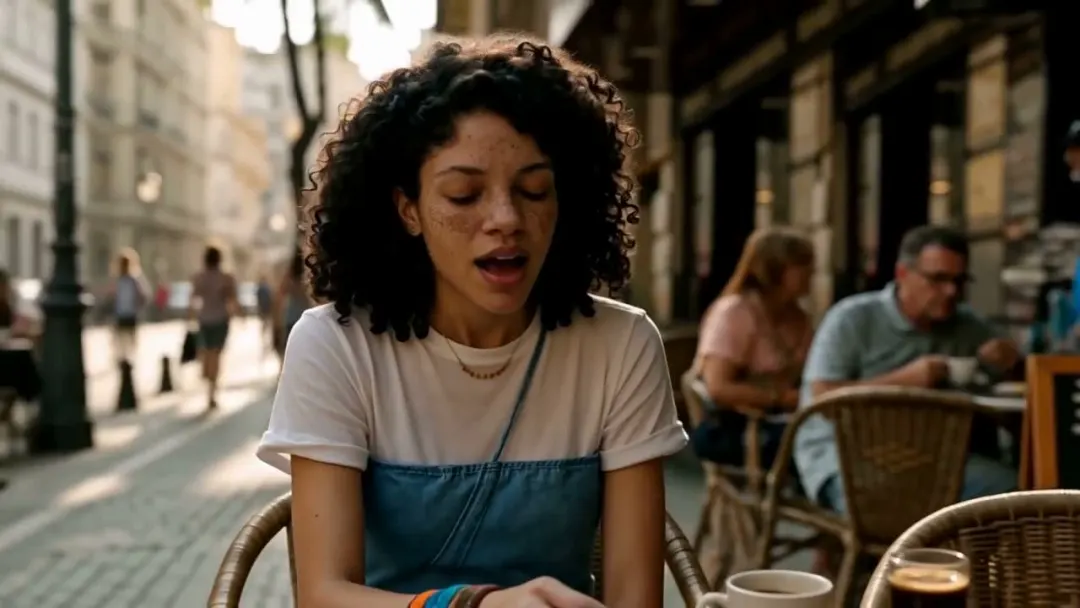
Café Serenade
Motion included1 photo
Kling 3.0 Motion Control175 credits
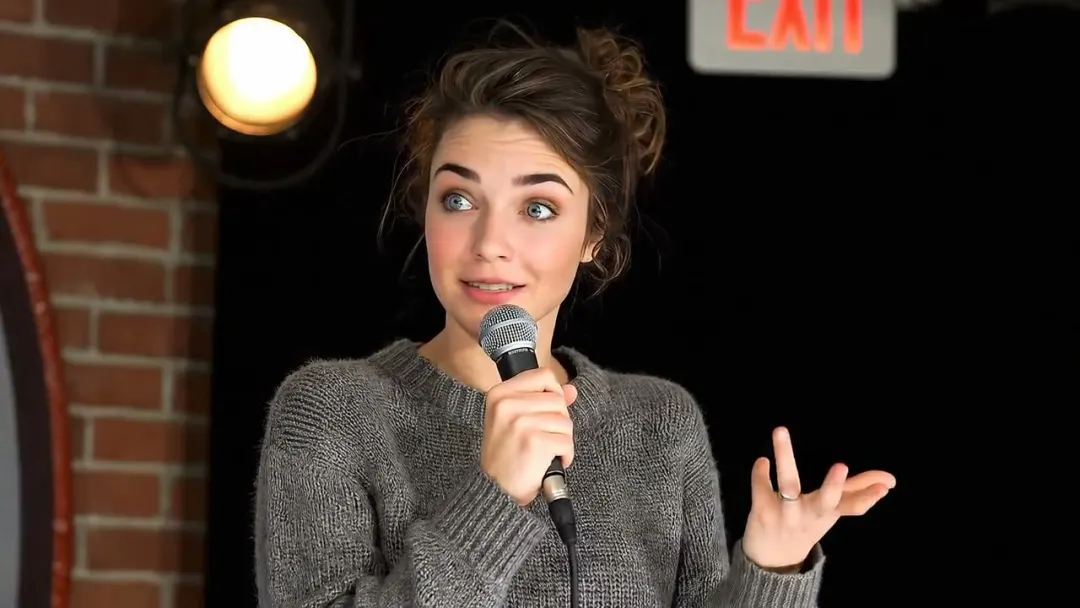
Stand-Up Comic
Motion included1 photo
Kling 3.0 Motion Control200 credits
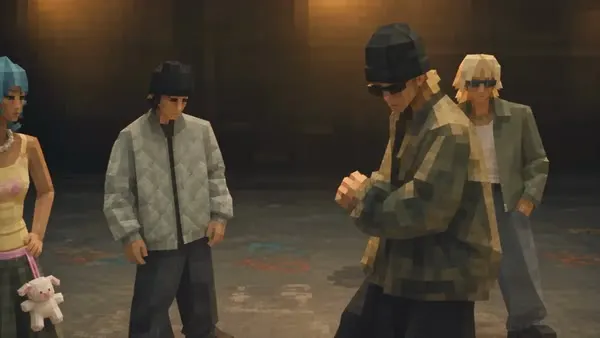
Chunky Low-Poly
Motion includedText only
Higgsfield Genjutsu504 credits
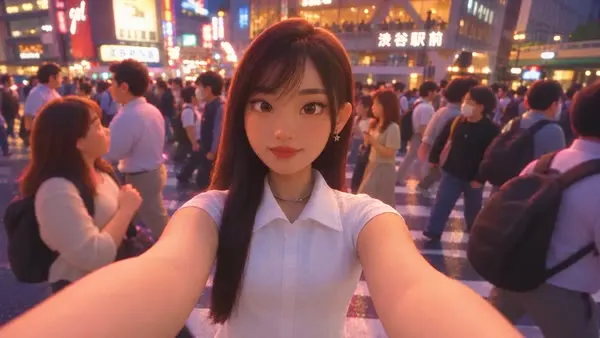
Warm Storybook 3D
Motion includedText only
Higgsfield Genjutsu504 credits
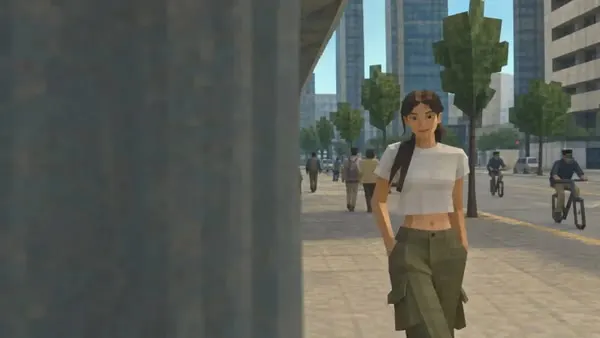
Retro Game 3D
Motion includedText only
Higgsfield Genjutsu504 credits
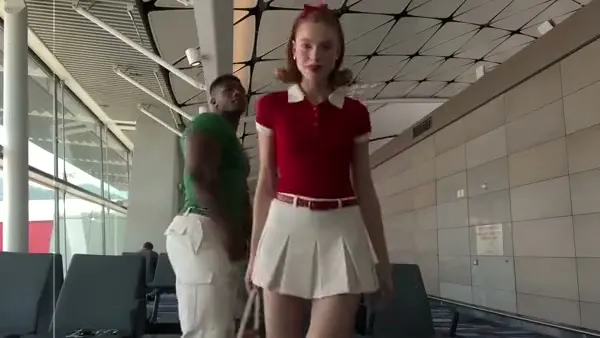
Star in a Viral Clip
Motion included1 photo
Higgsfield Genjutsu378 credits

Gouache Fashion Sketch
Motion includedText only
Higgsfield Genjutsu504 credits
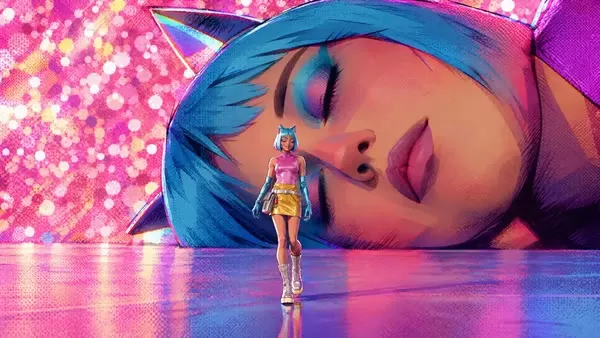
Comic Book 3D
Motion includedText only
Higgsfield Genjutsu504 credits
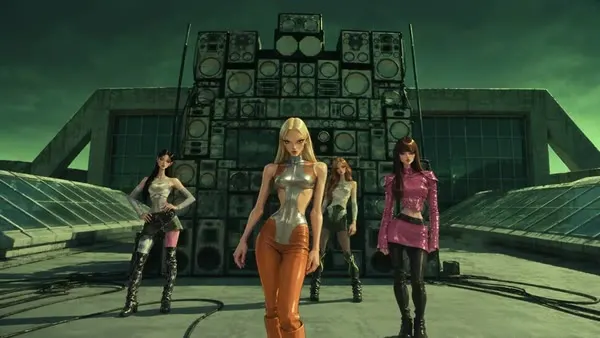
Street Caricature 3D
Motion includedText only
Higgsfield Genjutsu504 credits
Community
Examples



FAQ
Frequently asked questions
Didn't find the answer? Our team replies in Telegram and by email.
Contact supportWhat can I do with video to video?
You can change the style of a clip, replace elements in it or adjust the scene while keeping the original movement. Describe the change in words, just like when editing a photo.
What video can I upload?
Short clips work best; the maximum length and file size depend on the model and are shown in the studio. A stable, well-lit video gives cleaner results.
Which models edit video?
Seedance, Kling 3.0 Omni, MiniMax and Grok Imagine accept video input. The list below shows every model available for this mode.
How is the price calculated?
Video editing is priced in credits by model, duration and resolution; the exact cost is shown before you start.
Explore