
References → Video
Video from reference images
Add photos of a person, product or style and generate a video that keeps them recognizable. Ideal for brand characters, product ads and series of clips with the same hero.
- The same face, outfit or product in every clip
- Mix several references: a character, an object and a location
- Great for brand mascots, ads and episodic content
- AI models
- 14
- Templates
- 6
- Credits to start
- 50
- Typical time
- ~100s
Three steps
How it works
Pick a model
Every model has its strengths: compare quality, duration and price.
Add a prompt and files
Write a prompt and upload a photo, video or audio — whatever the mode needs.
Generate and download
Your result is ready in seconds to minutes. Download it in full quality.
Models for Reference to video14
14 models support this mode
 PopularVideoNative audio
Google
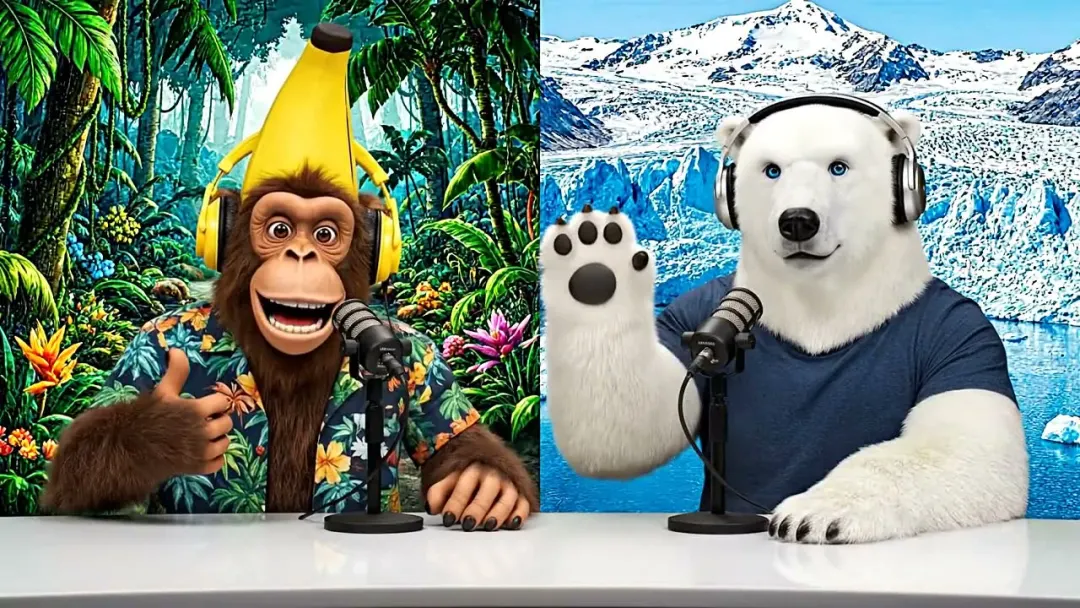
Veo 3.1
Google's flagship: cinematic video with synced sound
Text → VideoImage → VideoReferences → Videofrom 160 credits~100s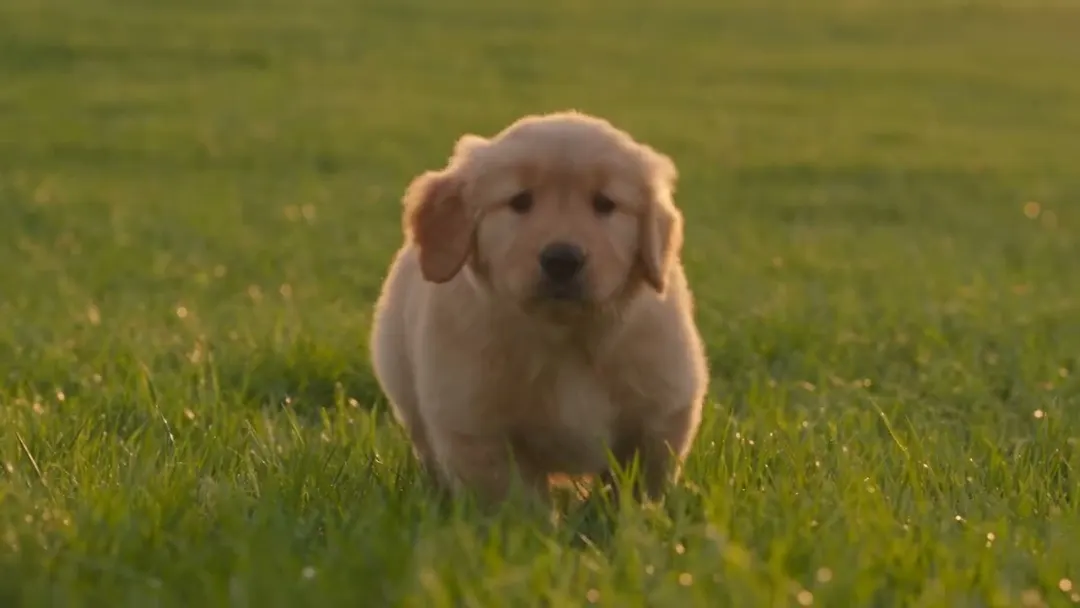 NewVideoNative audio
ByteDance
Seedance 2.5
ByteDance's newest: up to 30 s in one take, with audio
Text → VideoImage → VideoReferences → Video+2from 110 credits~220s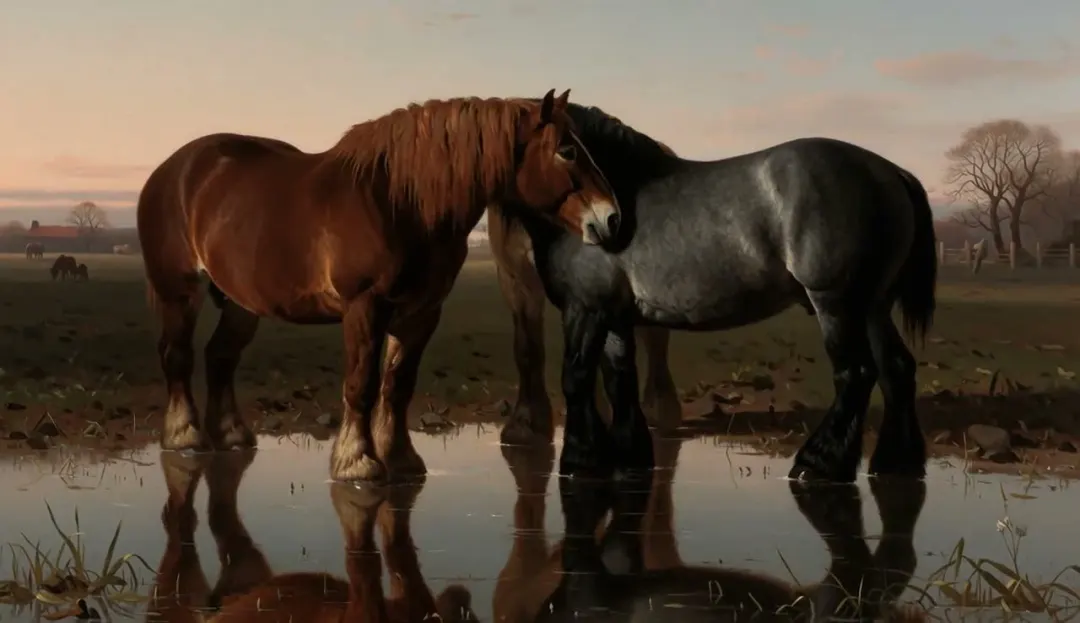 NewVideoNative audio
MiniMax
MiniMax H3
Omni-modal 2K video with native stereo sound
Text → VideoImage → VideoReferences → Video+2from 80 credits~190s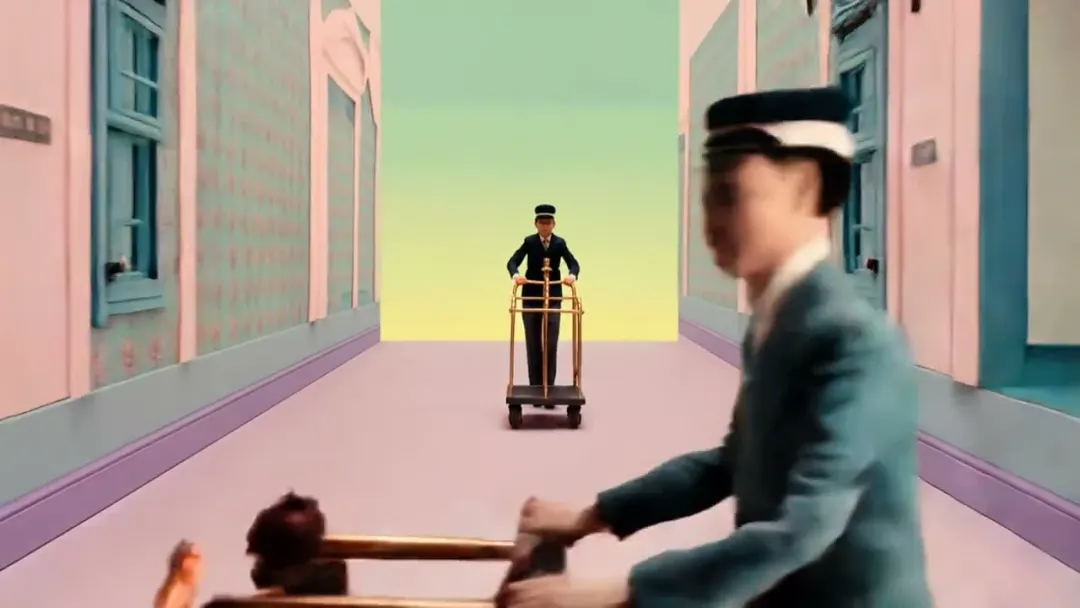 ProVideoNative audio
Kuaishou
Kling 3.0 Omni
Kling's all-in-one: references, video editing, audio
Text → VideoImage → VideoReferences → Video+1from 170 credits~300s VideoNative audio
ByteDance
Seedance 2.0
Multimodal references with native audio, up to 1080p
Text → VideoImage → VideoReferences → Video+2from 80 credits~120s FastVideoNative audio
xAI
Grok Imagine Video
Fast, affordable video with native audio
Text → VideoImage → VideoReferences → Video+1from 50 credits~45s BudgetVideoNative audio
ByteDance
Seedance 2.0 Fast
Faster, cheaper Seedance 2.0 with audio
Text → VideoImage → VideoReferences → Video+2from 70 credits~90s NewVideo
Kuaishou
Kling Omni
Kling's all-in-one model: frames, references and a video guide
Text → VideoImage → VideoReferences → Video+1from 85 credits~240s NewVideo
Alibaba
HappyHorse 1.1
Alibaba's HappyHorse 1.1: lively 720p and 1080p clips up to 15 s
Text → VideoImage → VideoReferences → Videofrom 140 credits~180s NewVideo
Alibaba
Happy Horse 1.0
The original HappyHorse: 720p and 1080p clips up to 15 s
Text → VideoImage → VideoReferences → Videofrom 140 credits~180s- NewVideoNative audio
Alibaba
Wan 3.0 Prime
Wan 3.0's top tier: single takes up to 30 s with sound
Text → VideoImage → VideoReferences → Videofrom 70 credits~300s - NewVideo
Alibaba
Wan 2.7
Wan 2.7: clips up to 15 s from text, frames or references
Text → VideoImage → VideoReferences → Videofrom 100 credits~240s - NewVideo
Alibaba
Wan 2.6
Wan 2.6: text, image or reference-video clips up to 15 s
Text → VideoImage → VideoReferences → Videofrom 100 credits~240s - NewVideoNative audio
Higgsfield
Higgsfield Cinema Studio 4.0
Direct a film shot: genre, era, camera, lens, light and palette
Text → VideoReferences → Videofrom 210 credits~300s
Ready-made templates
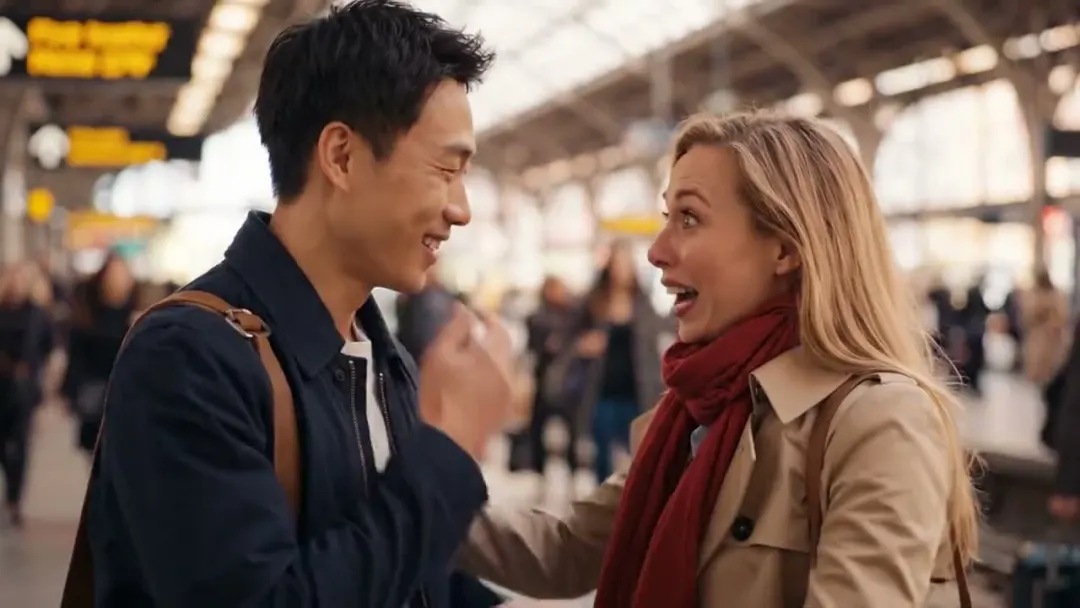
Couple Hug
References → Video2 photos
Grok Imagine Video50 credits
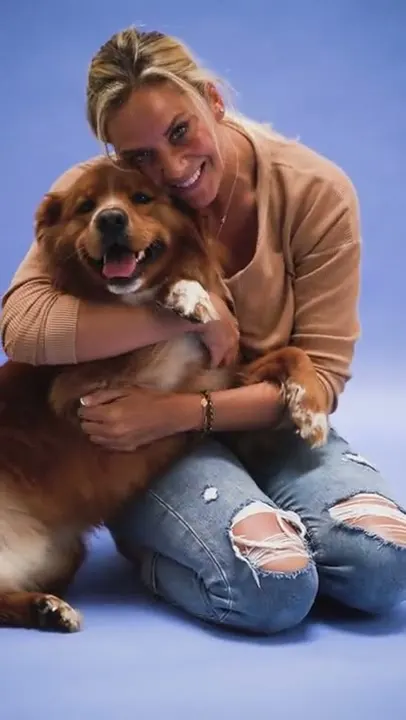
Pet Hug
References → Video2 photos
Grok Imagine Video50 credits
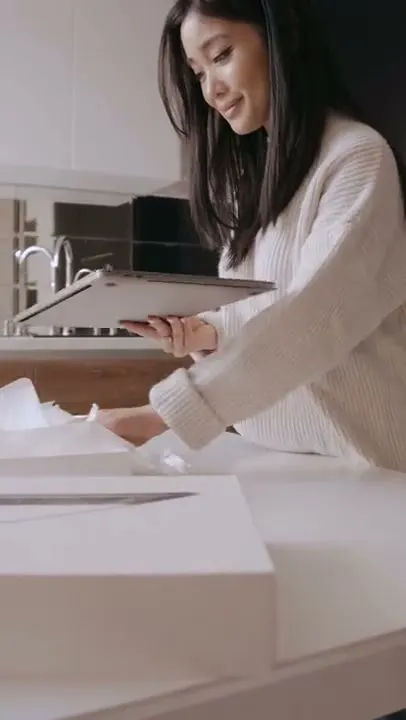
Unboxing Video
References → Video1 photo
Seedance 2.0 Fast70 credits
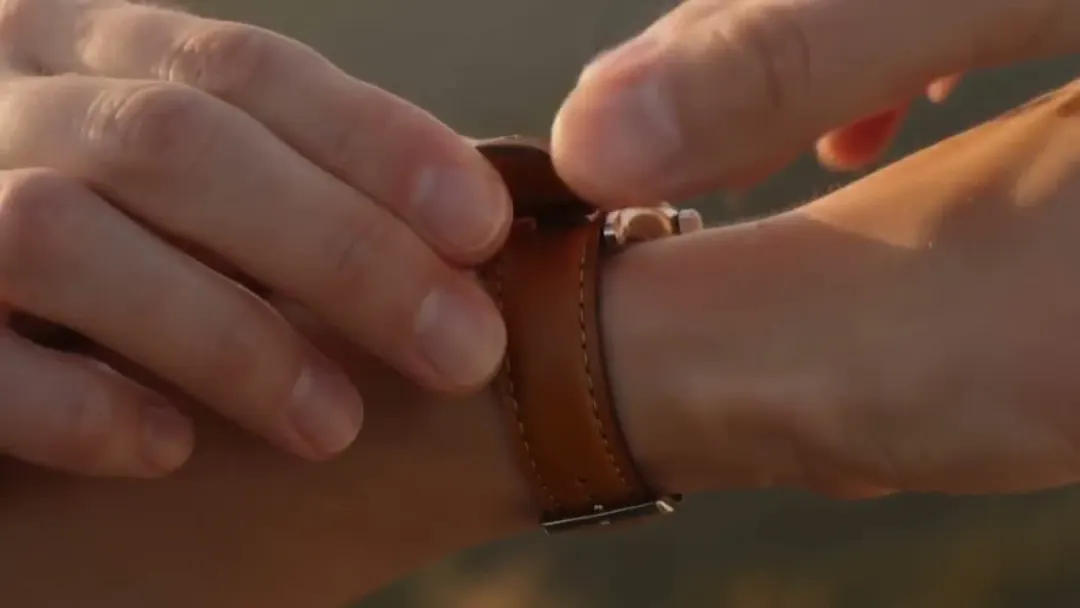
Director's Cut Commercial
References → Video1 photo
Higgsfield Cinema Studio 4.0460 credits

Story with Your Characters
References → Video1 photo
HappyHorse 1.1140 credits
UGC Product Ad
References → Video1 photo
Seedance 2.0 Fast70 credits
Community
Examples

FAQ
Frequently asked questions
Didn't find the answer? Our team replies in Telegram and by email.
Contact supportWhat is reference to video?
Instead of a single starting frame you give the model several reference images. It uses them to keep the look of characters, products or places consistent in a new scene you describe.
How many references can I add?
It depends on the model: usually three images or more. The upload area in the studio shows the limit of the selected model.
How is it different from image to video?
Image to video animates exactly your photo as the first frame. Reference to video builds a new scene and only borrows the appearance of what is on your references.
Which models support references?
Veo 3.1, Seedance, Kling 3.0 Omni, MiniMax and Grok Imagine support reference images. The list below is always up to date.
Explore